Knowledge sources
Dropbox folder as a chatbot knowledge source
Uploaded PDFs quietly go stale. Connect a Dropbox folder instead — the bot reads new and changed files by itself, deleted ones disappear.
Contents
The most awkward chatbot failure is not the one where it says “I don’t know that.” The most awkward one is where it confidently reads out last spring’s price list.
Here is how that happens. Someone uploads a PDF in January. In April the prices change, in June a chapter is added, in September the colleague who maintained the file moves on. The current version has been sitting in Dropbox for months — the bot still has the old one. Nobody did anything wrong. It simply occurred to nobody to upload the same file a second time.
The folder is the source, not the file
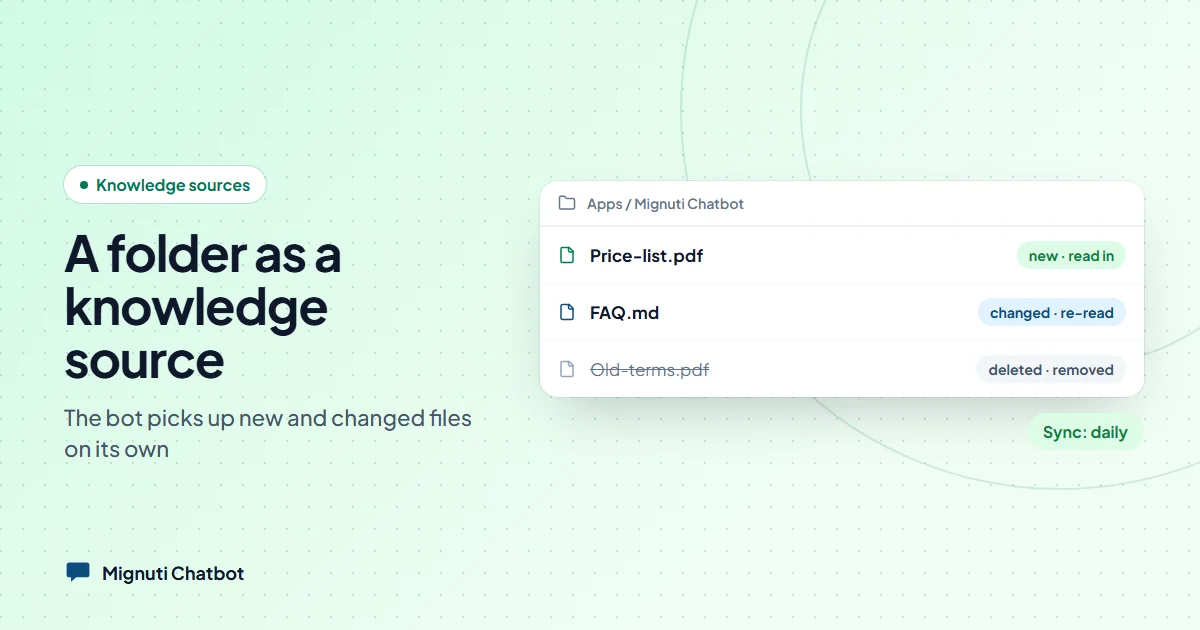
As of this week you can connect a Dropbox folder in Mignuti Chatbot instead of uploading individual files. From then on: whatever is in the folder is what the bot knows.
- New file in the folder → gets read in.
- Changed file → gets read again, the old passages disappear.
- Deleted file → disappears from the knowledge base too.
Syncing runs daily, weekly, monthly or only on demand — you decide how fresh it has to be. And you maintain your documents where your team maintains them anyway.
What we see — and what we don’t
Setting it up creates the folder Apps/Mignuti Chatbot in your Dropbox. That folder is all we see. Not your bookkeeping, not your holiday photos, not the rest of your storage. That is not restraint out of good will, it is how it is built: the permission you grant does not reach any further.
Second, we only ever read. Nothing is written, moved or deleted in your Dropbox — not even when you throw a document out of the knowledge base on our side. Deleting deliberately works in one direction only:
| You delete … | … in Dropbox | … in the knowledge base |
|---|---|---|
| A file in Dropbox | gone | disappears on the next sync |
| A document on our side | stays put | gone, and does not come back |
That last line sounds like a detail. It is the difference between a useful tool and an annoying one: without it, every document you sort out would reappear on the next run.
Limits we would rather state upfront
Formats: PDF, TXT and Markdown, up to 25 MB per file. Spreadsheets, slides and images are left alone — not out of laziness, but because they do not break down into meaningful answer passages. A table the bot half understands is worse than one it never saw. Word and ODT are prepared and will follow once the document parser for them is in place.
Volume: the same document limit as for uploads applies. A folder with 4,000 files does not quietly turn into a cost trap — once the limit is reached the source says “limit reached” and stops.
Plan: from Standard up. Every sync downloads files and recomputes embeddings; that does not belong in the entry tier.
What about Google Drive?
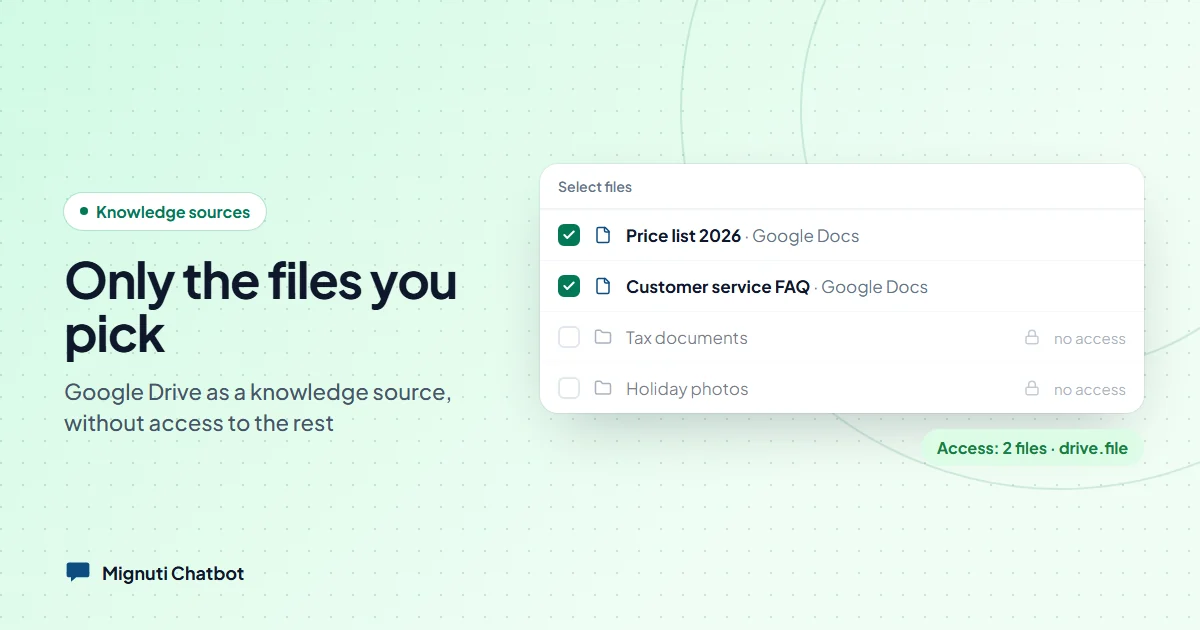
Available as well — with a deliberately different shape: instead of a whole folder you pick individual files, and only those are visible to us. Google Docs are read as text, which for a chatbot is actually better than a PDF. More in the dedicated Google Drive article.
When this is worth it
Not always. If your bot sits on three PDFs that never change, uploading remains the shorter route. The connection gets interesting as soon as someone other than the bot’s caretaker maintains the files — the product team, the office, the agency. That is exactly the gap where a bot spends months reading out last spring’s version.
Your own chatbot, built from your content
Add your website, upload PDFs or connect a folder. The bot answers only from your sources. Try it free for 7 days.